Free AI Tools Like ChatGPT (No Login Required) in 2026
Published on Reading time: 8 min
Contents
Yes, you can use AI tools like ChatGPT for free without logging in, but “free” and “no login” are two separate promises that rarely line up perfectly. Some tools let you start typing the second the page loads and ask for nothing. Others are genuinely free but want an email first. This guide shows you which chatbots really run account-free in 2026, what ChatGPT itself allows without signing up, and where the free versions quietly stop being useful.
If you want the bigger picture of which assistants actually outperform ChatGPT on specific jobs, our full guide to AI tools better than ChatGPT compares the paid heavyweights side by side.
What “free, no-login” actually means
A “no-login” tool lets you chat without creating an account; a “free” tool lets you chat without paying. The two only overlap on a handful of services. Most providers pick one and charge you with the other.
Here is the trade behind the curtain. Running a model like GPT-5, Claude Sonnet 4.5, or Gemini 2.5 costs the provider real money per message. To give it away, they need something back: your email for marketing, a rate limit so heavy users convert to paid, or ads on the page. So you will meet three patterns in practice:
- Truly account-free. Open the page, type, hit send. No email, no card. Usually capped per day or per session.
- Free but account-required. A daily quota of messages in exchange for signing up. ChatGPT’s free tier, Claude.ai, and Gemini all work this way.
- Free, no login, but throttled hard. You get a few messages, then a wall asking you to register or upgrade.
Knowing which bucket a tool sits in saves you the frustration of typing half a prompt before a signup modal appears.
The best free AI tools like ChatGPT you can use without signing up
For a quick, account-free answer in 2026, DuckDuckGo AI Chat, Perplexity, and HuggingChat are the most reliable no-login options. They cover different needs, so the right one depends on what you are asking.
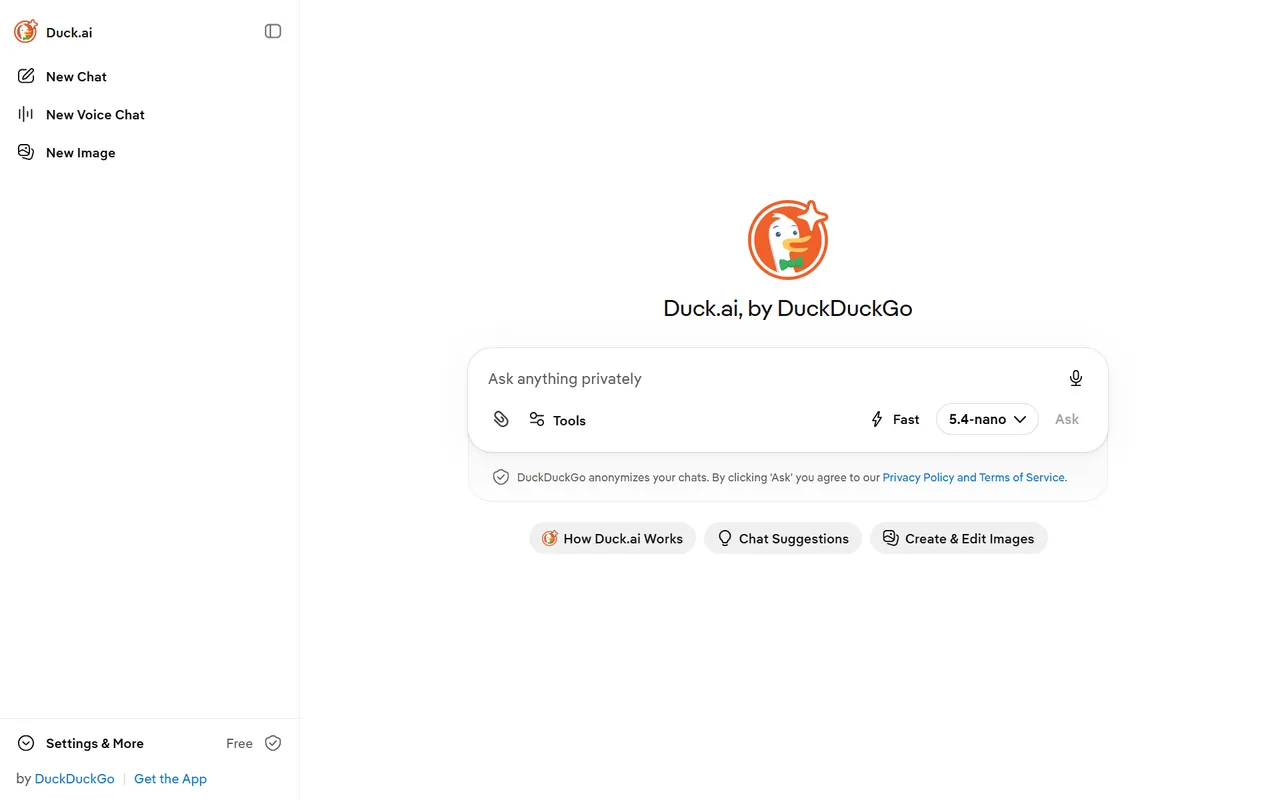
DuckDuckGo AI Chat is the cleanest no-account entry point. Go to duck.ai, and you can chat with GPT-4o mini, Claude Haiku, Llama, and Mistral models without an account. DuckDuckGo also strips identifying metadata before forwarding your message, which makes it one of the more private choices on this list.
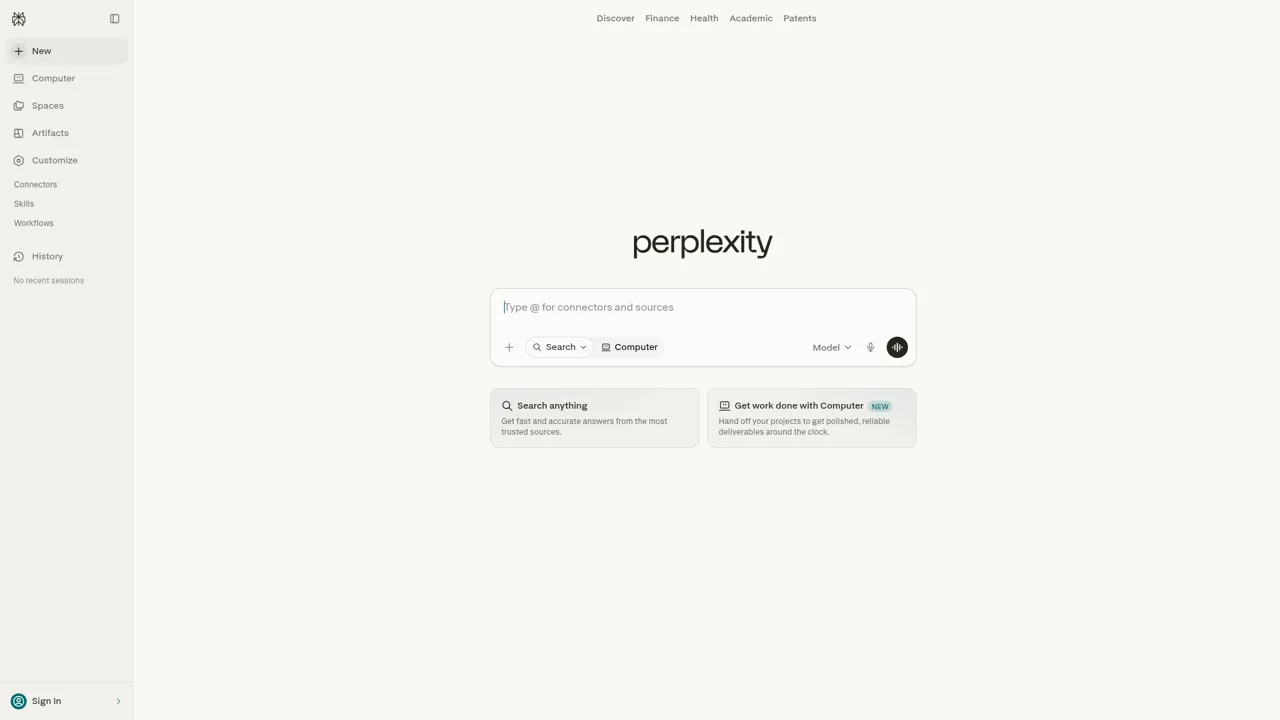
Perplexity answers without an account and adds something ChatGPT’s free web version does not always do well: it cites its sources with links. That makes it strong for research questions where you want to check the original page. You can use the basic search free and unregistered; the deeper “Pro” reasoning needs an account.
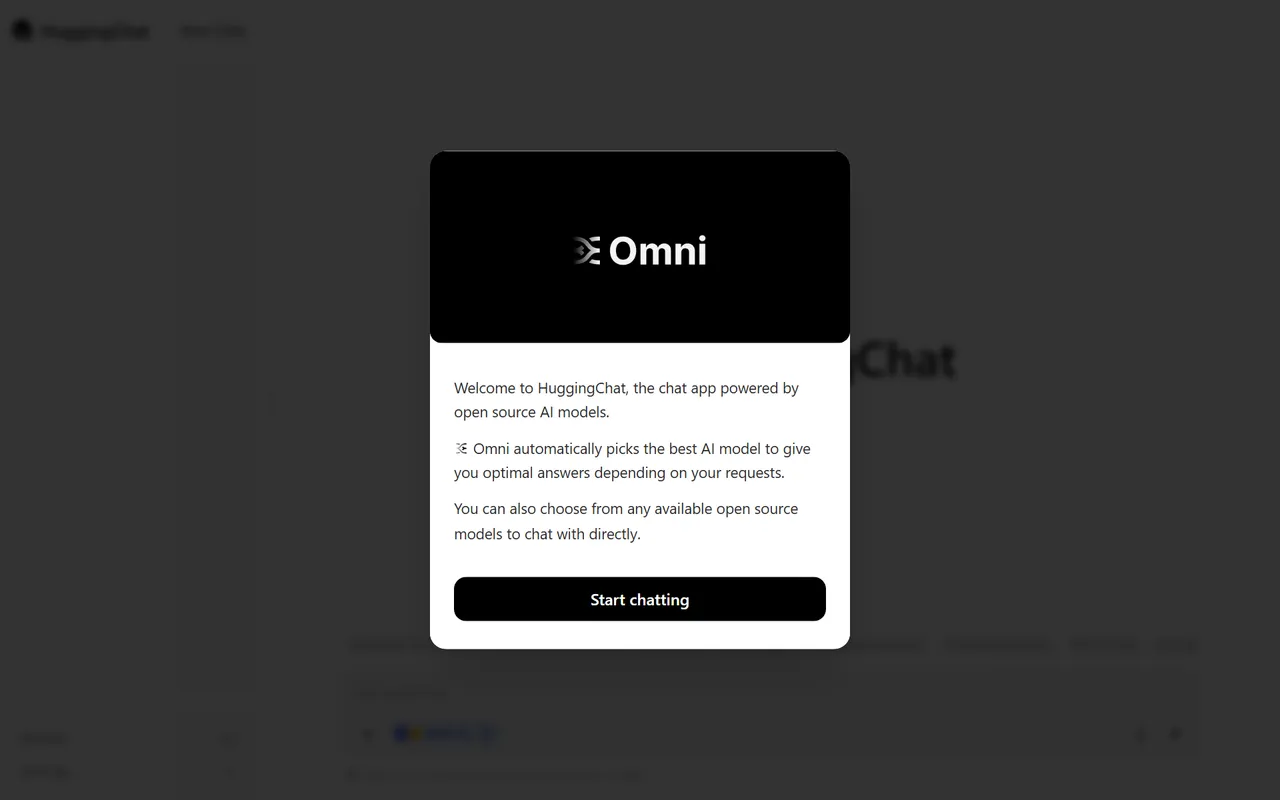
HuggingChat by Hugging Face runs open models like Llama and Qwen. You can read and test it without paying, and it is a good window into how open-source assistants stack up against the commercial ones.
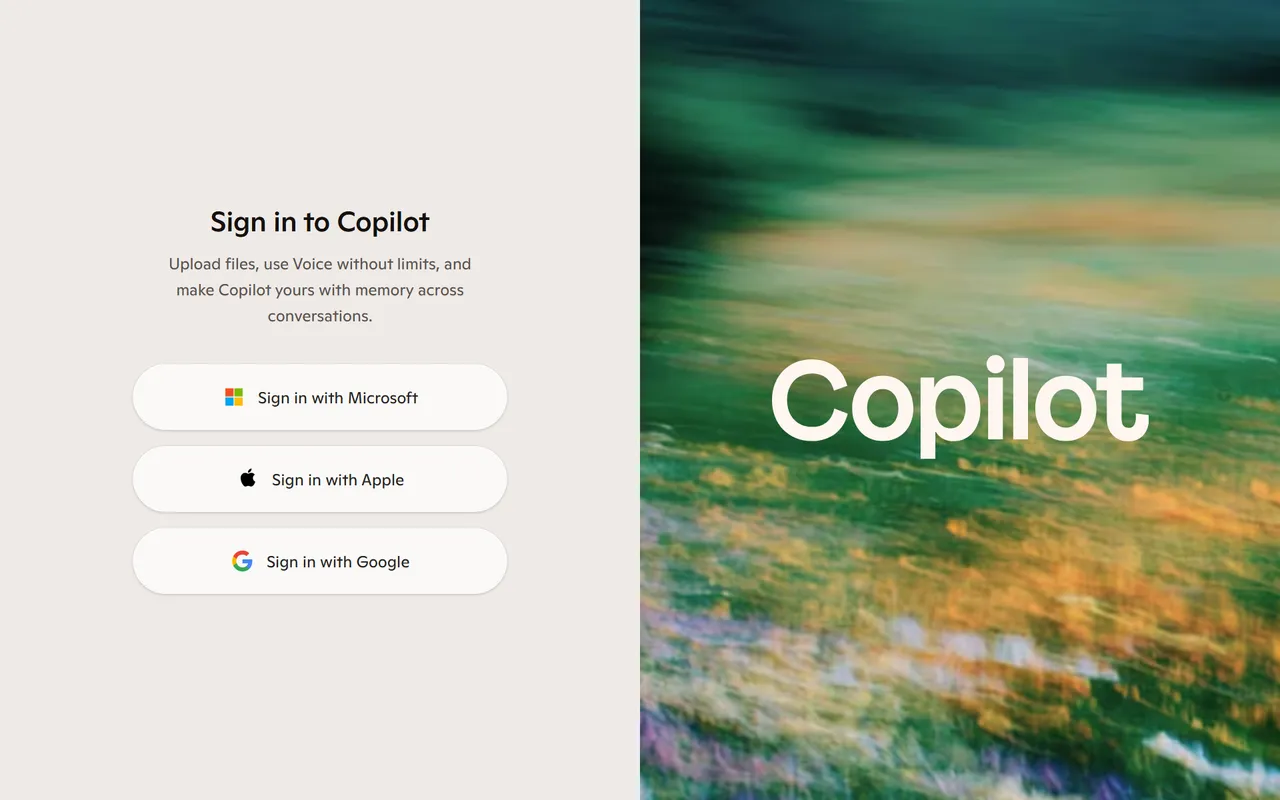
Microsoft Copilot runs on GPT models and is free in the browser, though a Microsoft account unlocks higher limits and image generation. For a one-off question it works without one.
Le Chat by Mistral offers a fast, capable European option with a generous free tier. It is worth a look if you prefer an EU-based provider for data-residency reasons.

If your task is making pictures rather than text, the same “free and account-free” logic applies to image generators. We break that down separately in free AI image tools with no sign-up.
ChatGPT itself without an account — what you can and can’t do
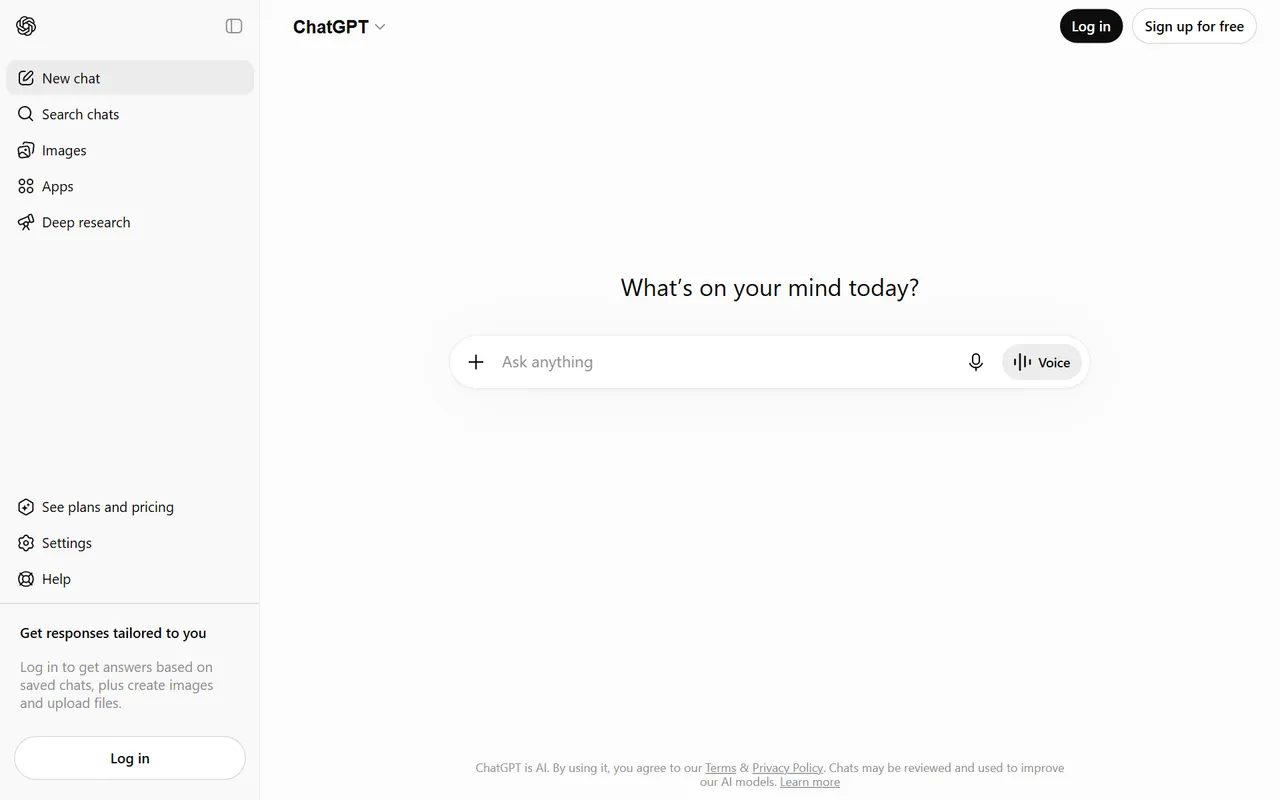
OpenAI lets you use ChatGPT without an account, but the logged-out version is the most limited way to access it. Since 2024 you can open chatgpt.com, dismiss the login prompt, and start typing.
What you get logged out:
- The default free model (a GPT-4o-class model) for basic questions and writing help.
- No saved chat history. Close the tab and the conversation is gone.
- Tighter message limits than even a free registered account.
- No access to custom instructions, memory, image generation, or GPTs.
In short, logged-out ChatGPT is fine for a single throwaway question. The moment you want to continue a conversation tomorrow, attach a file, or generate an image, you need at least a free account. And the free account itself is a step below ChatGPT Plus, which adds the stronger reasoning models and higher caps.
Free vs. paid: where the free tiers hit their limits
Free tiers are generous enough for casual use and run out fast once you lean on them for daily work. The limit is rarely the feature list. It is volume and model quality.
The three walls you hit first:
- Message caps. Free ChatGPT, Claude, and Gemini all throttle you after a number of messages in a window, then drop you to a weaker model or make you wait. Heavy back-and-forth sessions hit this within an hour.
- Model downgrade. The free tier often serves a smaller, faster model. You feel it on complex reasoning, long documents, and code. Paid plans unlock the flagship models (GPT-5, Claude Opus 4.x, Gemini 2.5 Pro).
- Missing tools. File uploads, image generation, longer context windows, voice, and connectors usually sit behind the paywall.
For students, occasional writers, and anyone asking a few questions a day, the free tier is plenty. If you are drafting all day or feeding it large documents, the roughly 20 €/month for a paid plan stops being optional. Our parent comparison of ChatGPT alternatives is the place to decide which paid plan is actually worth it for your workload.
Privacy: which no-login tools don’t train on your chats
Not logging in helps, but it does not automatically stop a provider from using your messages to improve their models. Privacy depends on the provider’s policy, not on whether you created an account.
Here is the honest state of things in 2026:
- DuckDuckGo AI Chat is the strongest default. DuckDuckGo states that chats are not used for training and that providers it routes to have agreed not to train on the content; messages are also anonymized.
- ChatGPT uses free-tier conversations to train its models unless you turn that off in settings, which requires being logged in. Logged-out chats fall under the same data-use terms.
- Claude (Anthropic) does not train on your conversations by default on consumer plans unless you opt in.
- Perplexity lets you disable AI data retention in settings, but only with an account.
The practical takeaway: if privacy is the priority and you do not want to manage settings, a no-login router like DuckDuckGo AI Chat is the safest default. For anything sensitive, assume a free chatbot is not confidential and never paste passwords, client data, or personal identifiers.
Comparison table: free tools, login required?, message limits
Use this to match a tool to your situation in one glance. “No login” means you can send at least one message without an account; limits below are the free-tier reality, not the paid plan.
| Tool | Login required? | Truly free? | Message limits (free) | Trains on your chats? |
|---|---|---|---|---|
| ChatGPT (logged out) | No | Yes | Tightest cap, no history | Yes, by default |
| DuckDuckGo AI Chat | No | Yes | Light per-session cap | No |
| Perplexity | No (basic) | Yes | Generous for basic search | Optional, account needed to disable |
| HuggingChat | No | Yes | Reasonable, open models | Varies by model |
| Microsoft Copilot | No (limited) | Yes | Few turns logged out | Yes, account to manage |
| Le Chat (Mistral) | Account for full use | Yes | Generous free tier | Opt-out available |
| Google Gemini | Yes | Yes | Daily cap, then weaker model | Yes, by default |
Which free alternative should you pick?
Pick by job, not by brand. Each of these wins a clear lane.
- Fastest no-login answer: DuckDuckGo AI Chat. No account, decent models, private by default.
- Research with sources: Perplexity. The citations save you a second round of fact-checking.
- Open-source curiosity: HuggingChat. See how Llama and Qwen actually perform.
- Already in the Microsoft world: Copilot. It is built into Windows and Edge.
- You want ChatGPT specifically: Use it logged out for one question, but make a free account the moment you need history or files.
For occasional use, you may never need to pay. The free tiers in 2026 are genuinely capable. You only outgrow them when AI becomes part of your daily routine, and at that point the comparison in our full guide to AI tools better than ChatGPT will help you spend that 20 € on the right tool.
FAQ
Can I really use ChatGPT without an account?
Yes. Open chatgpt.com, dismiss the login prompt, and you can chat with the free model. You lose chat history, image generation, file uploads, and you get the tightest message limit of any access tier.
Are free no-login AI tools safe to use?
They are safe for general questions but not confidential. Most providers can use your messages for training unless you opt out, which usually needs an account. Never paste passwords, client data, or personal details into a free chatbot.
Which no-login AI tool is the most private?
DuckDuckGo AI Chat. It anonymizes your messages and states that the routed providers do not train on the content. It is the closest thing to a private, account-free chatbot in 2026.
Is the free version of ChatGPT good enough?
For a few questions a day, writing help, and quick research, yes. You hit its limits when you need the flagship reasoning models, large file uploads, or long all-day sessions, which is where a paid plan earns its roughly 20 €/month.
Do free AI chatbots use the latest models?
Sometimes, but usually a smaller, faster variant. Free tiers often serve a lighter model and reserve the flagships (GPT-5, Claude Opus 4.x, Gemini 2.5 Pro) for paid plans. You feel the gap most on complex reasoning and code.